Turn Your Computer Into An Ai Computer.

Use any AI model, anywhere on your screen, in one simple transparent overlay.

FOUNDERS AS SEEN ON:

The New Way To Use Ai Is Here.

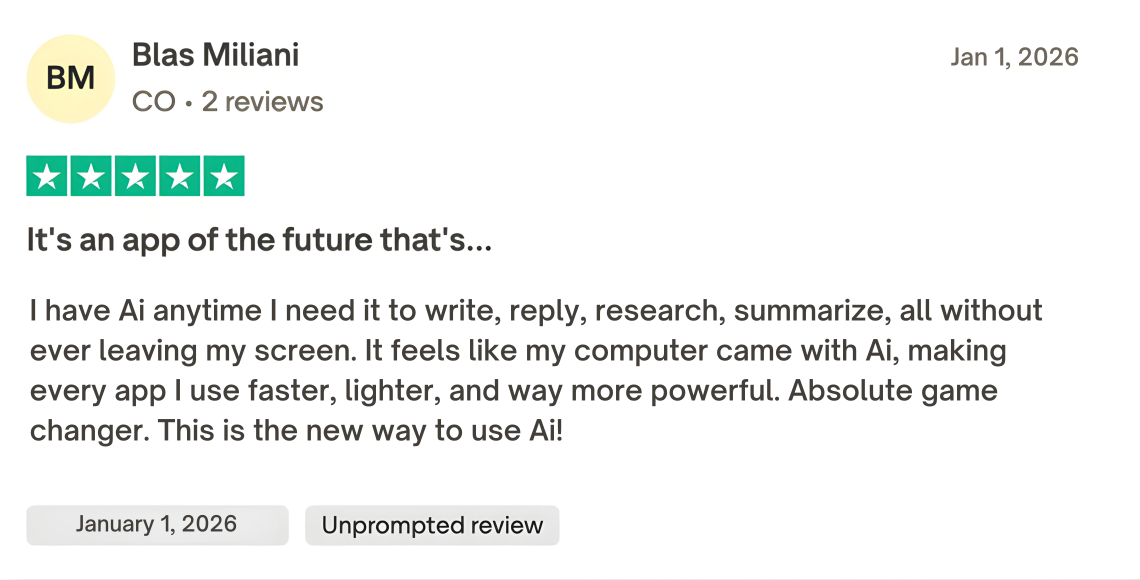
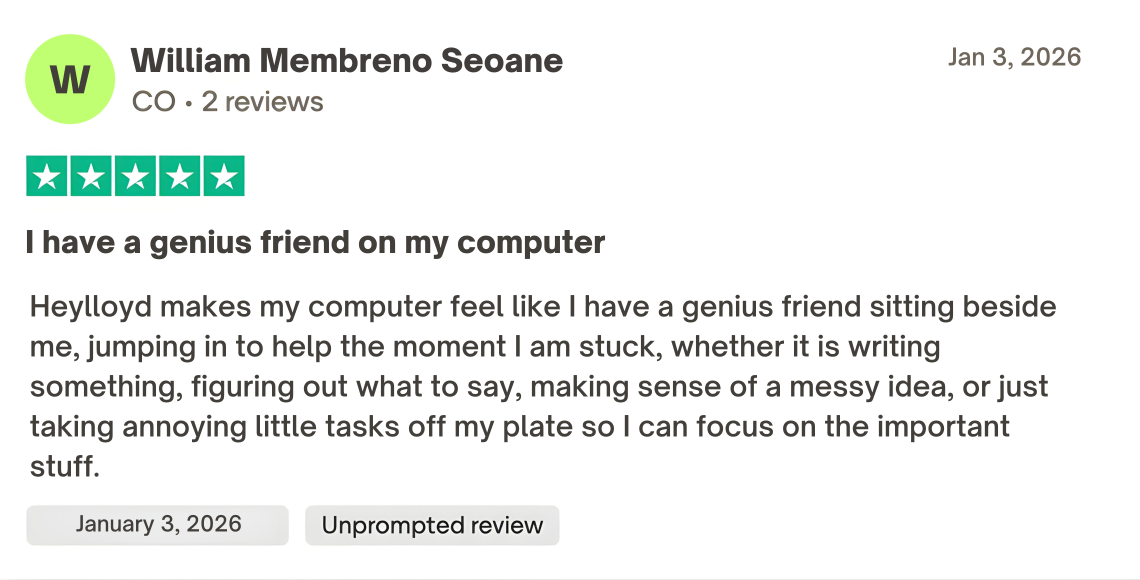
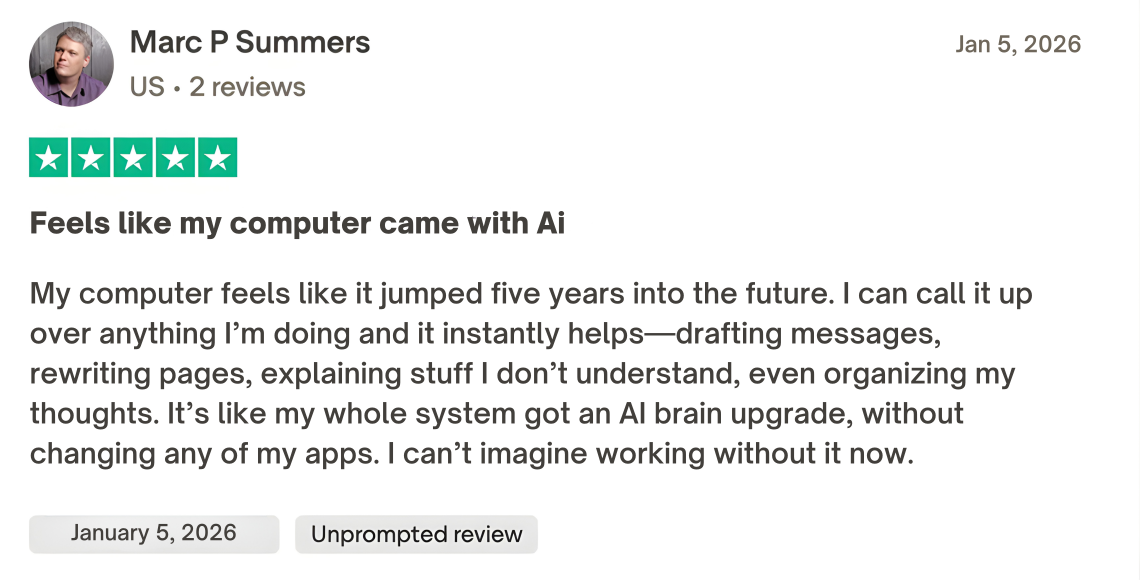
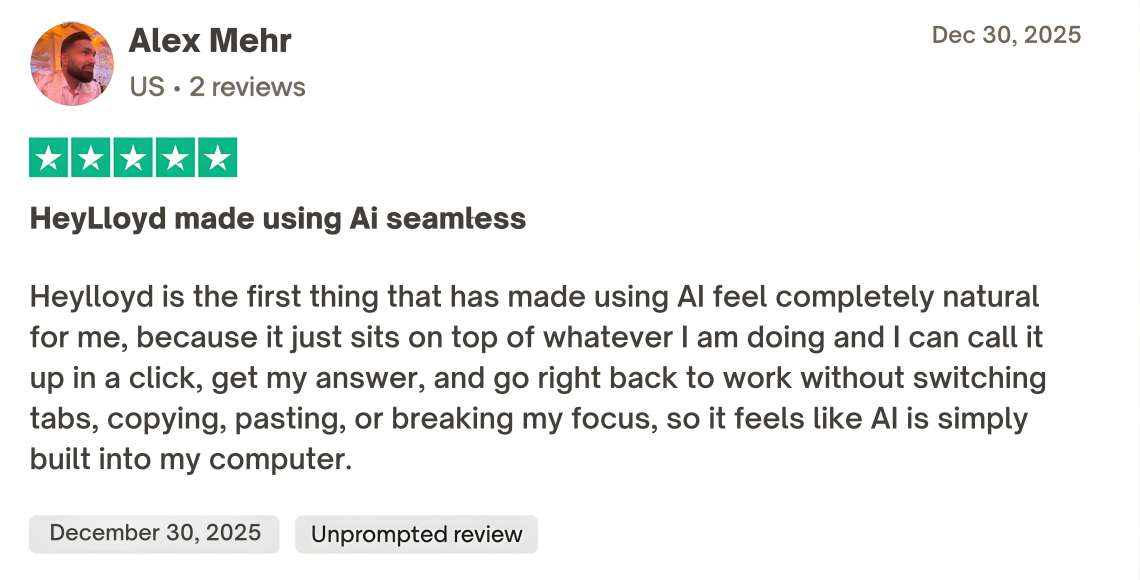
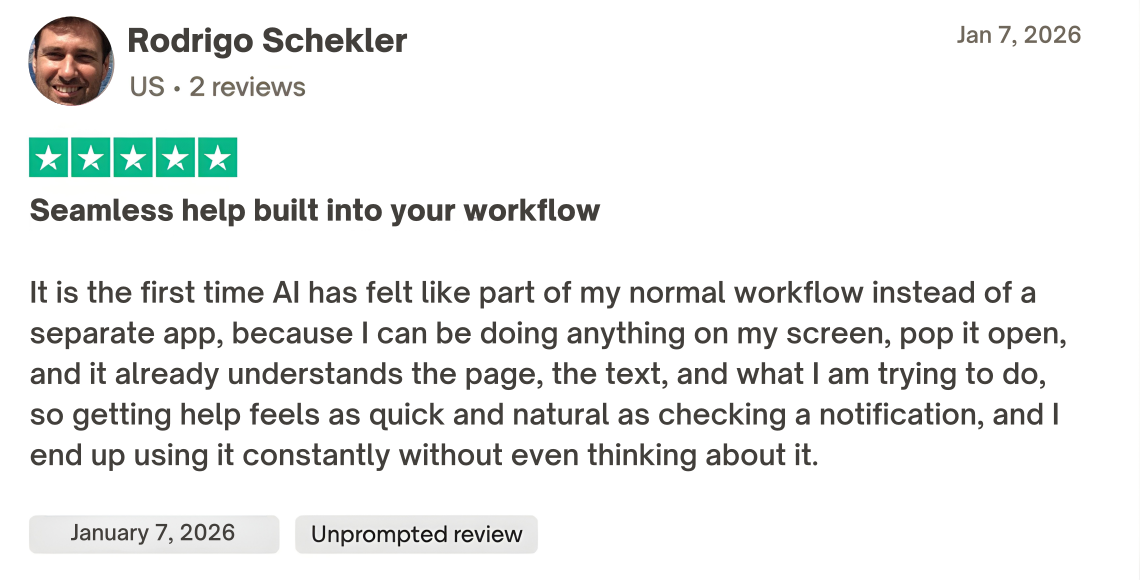
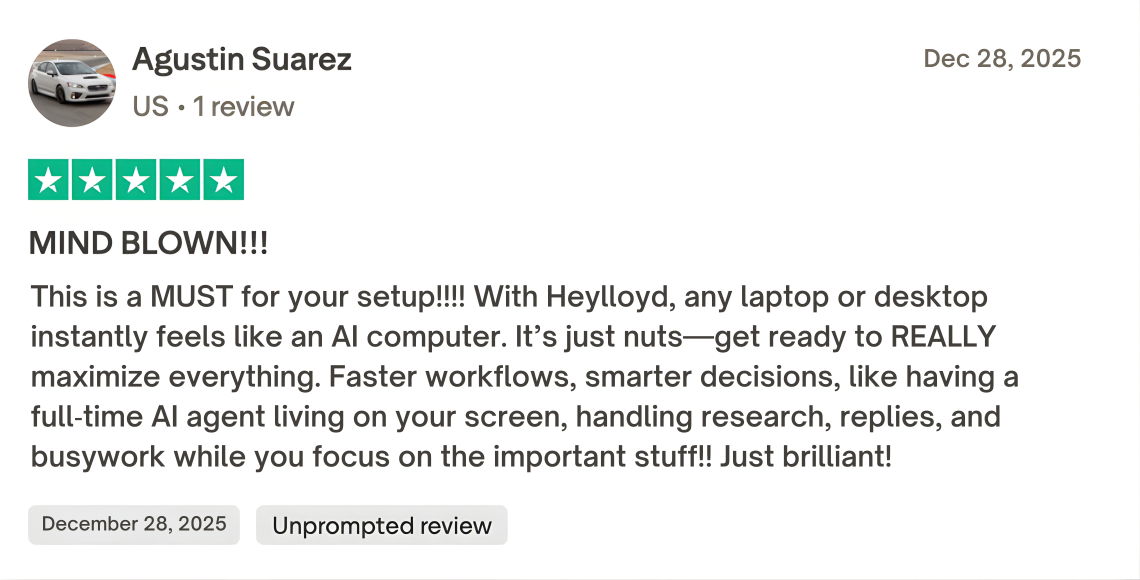
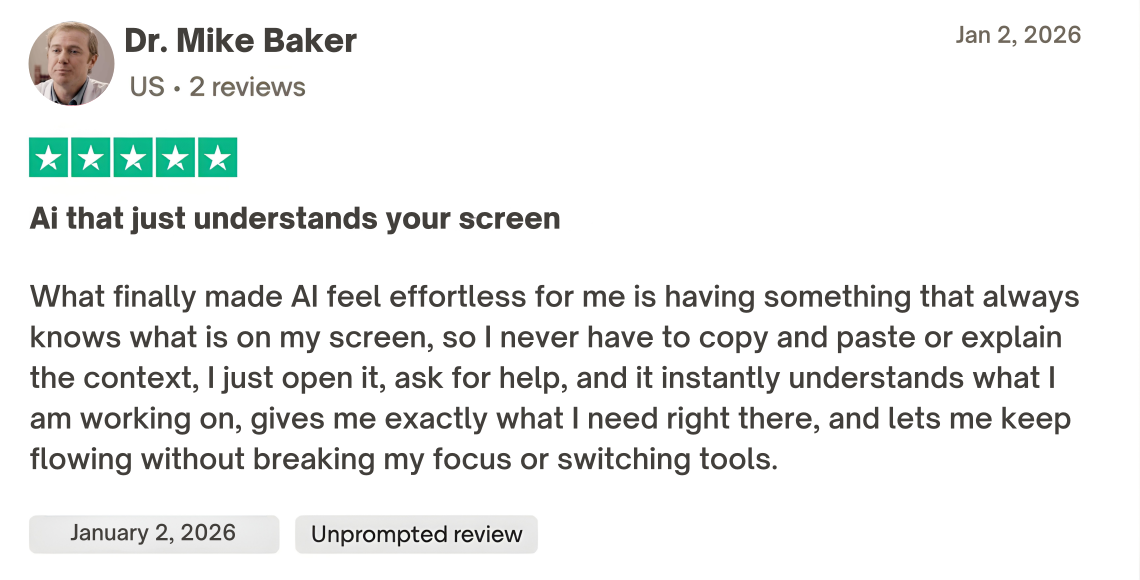
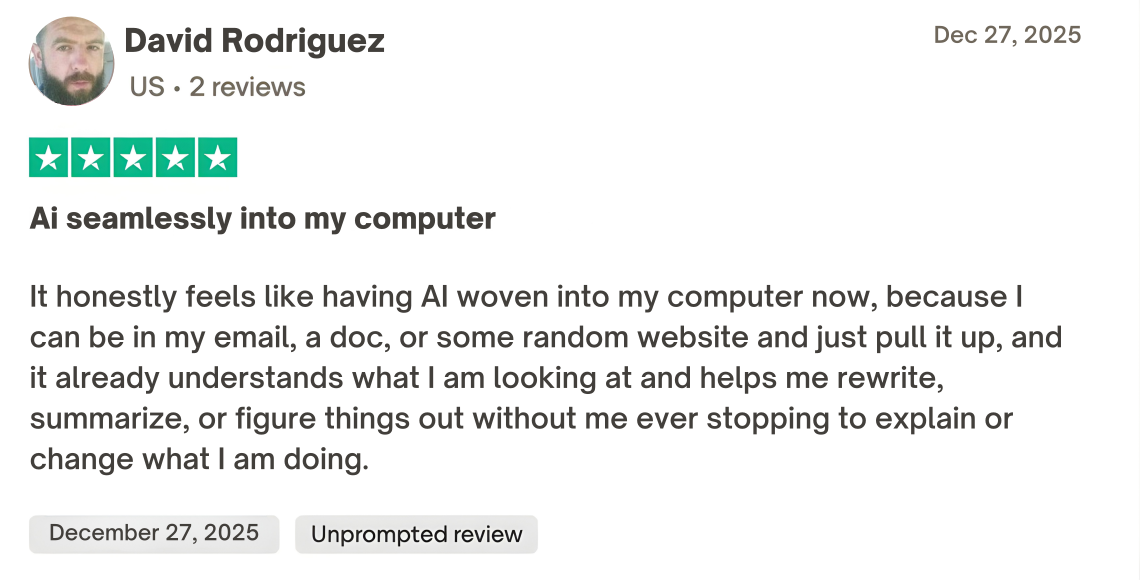
What Real Power Users Are Saying
What You'll Unlock

AI Without Leaving What You’re Doing:

Summarize pages, rewrite text, debug code, draft emails, and generate ideas directly on top of your current app. No alt‑tabbing. No copy‑paste gymnastics.

AI That Sees Your Screen (So You Never Repeat Yourself):

Ask for help on whatever is in front of you—a doc, Figma file, code editor, CRM—without pasting text or explaining context. The overlay “just sees it” and responds.

One Overlay. Every AI Model:

ChatGPT, Claude, Gemini, local models and more—all in one place. Switch models on the fly, compare answers side‑by‑side, and use the right brain for every task.

Your Entire Computer Becomes an AI Workspace:

Use AI in any tool you already love—Notion, Excel, VS Code, Chrome, Slack, anything. If it’s on your screen, your AI can work with it.

Context That Follows You Everywhere:

The overlay remembers what you’re working on across tabs and apps, so you can say “Make this match the style from earlier” and it instantly knows what you mean.

Instant Actions, Not Just Answers:

Highlight text to rewrite, translate, or expand. Point at UI elements to generate queries or automation steps. Turn ideas into actual changes on-screen in a few clicks.

A Computer That Feels Truly “AI‑Native”:

Instead of visiting an AI website, your entire operating system is the AI experience—always available with a single shortcut, ready the moment you need it.
HEYLLOYD AI

$7/month

Cancel Anytime
30-Day Money Back Guarantee

YOUR INFO
FINALIZE

FREQUENTLY ASKED QUESTIONS

1. How do I get started and install the app?

You download the app directly to your desktop, run a quick installer, and you’re in. Once you create or log into your account, you’ll get a simple walkthrough that shows you how to open the overlay on top of any app. From there, you can start using AI instantly—no browser tabs, no extra setup.

2. Is it safe for an AI app to “see” my screen? What about privacy?

Yes. The overlay only reads what’s on your screen when you actively open it and submit a request. You’re always in control of what’s shared. We don’t use your private data to train public models, and we follow strict security practices to protect anything that passes through the app. You can also exclude specific apps or windows if you never want them analyzed.

3. Will this slow down my computer or interfere with my other apps?

The overlay is built to stay lightweight. It runs quietly in the background and only uses more resources when you trigger an AI request. It doesn’t hook into or modify your existing software—everything sits on top of what you’re already using—so it won’t break your tools or workflows. And if you ever want to pause it, you can quit or disable it with a click.

4. Which AI models can I use, and do I need my own API keys?

You can access multiple leading models from a single interface and switch between them as you work all under one simple $7 / month subscription.

5. Can I control when it’s active or customize how it behaves?

Absolutely. You decide when the overlay appears, using a keyboard shortcut or icon in your menu bar/taskbar. You can customize shortcuts, choose which models are available, and set preferences for how the AI responds. If you want it off, just toggle it off or quit the app—nothing runs or captures content in the background once it’s disabled.

HEYLLOYD AI

2026 All Rights Reserved.

[email protected]

Privacy Policy  |  Terms of Service  |  Contact